 CLANFIGHTS
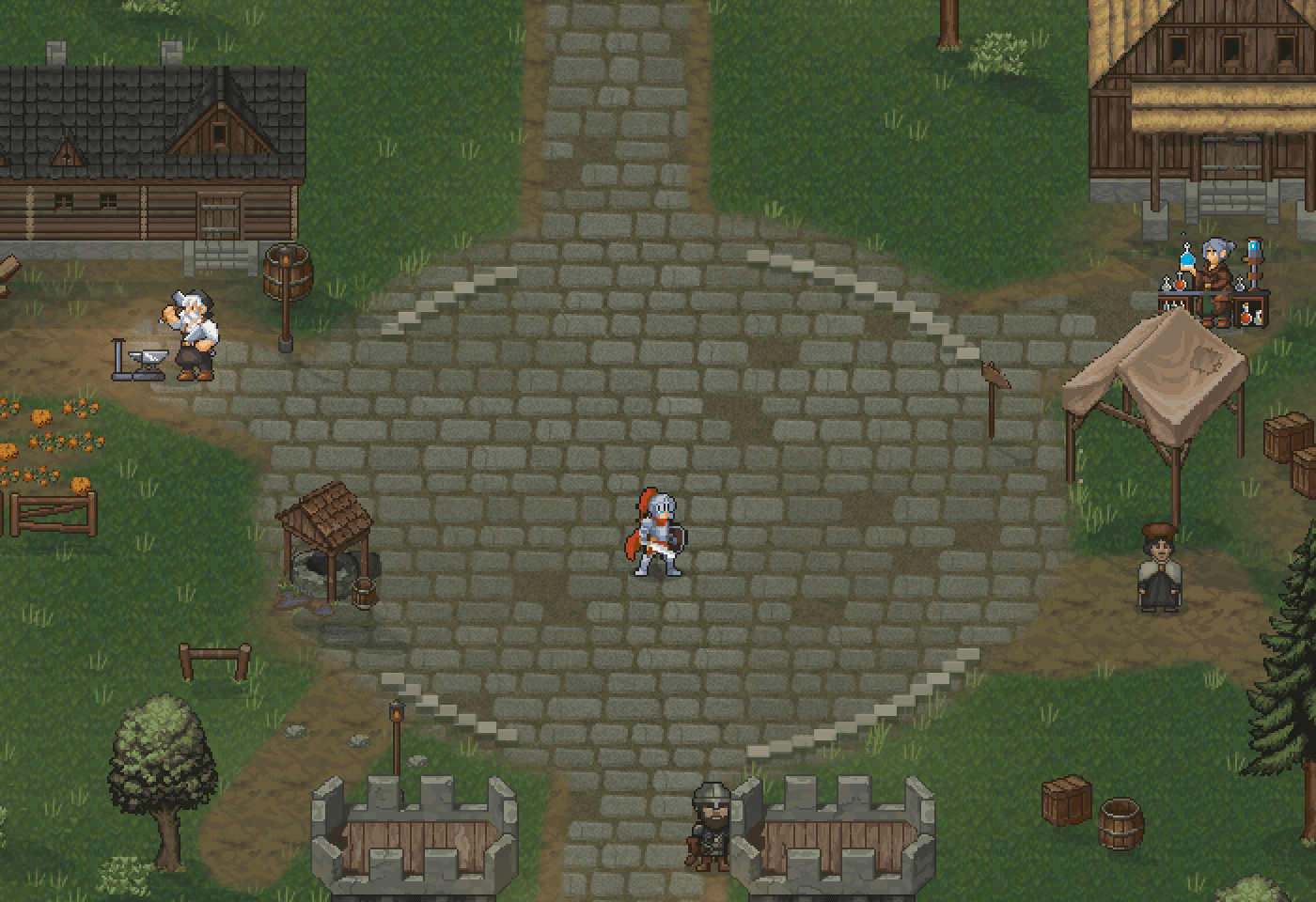 Crown Court
The castle hub
Hearthmere
Begin in town: merchants, bank, inn, and the road beyond the gates.
Stock the hotbar before you leave.
How to play
Same login as the site. Make a hero, talk to an NPC, hunt.
1 · First steps
2 · Two nations
Cinderborn is Orc. Aldervale is Human. Both can be warrior, rogue, mage, or priest.
Choose a calling to see its starting abilities. All four are available to Human and Orc adventurers.
Preview either banner. All four class paths are shared.
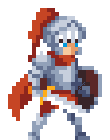
THE FRONT LINE
Meet the enemy head-on. Heavy armor, powerful weapons and the resolve to stand your ground.
Strength · Defense · Close combatBegin with Slash and Sprint. Develop attack, defense or passion.
Both Human and Orc adventurers share these class paths. Your starting abilities come first; specialization develops as you level.
| Class | Starting approach | Develop toward |
|---|---|---|
| Close-range weapon combat | Attack, defense or passion | |
| Close-range Jab | Archery or assassination | |
| Ranged fire spell | Fire, glacier or lightning | |
| Healing and weapon attacks | Healing, buffs or debuffs |
4 · The map
Start in Hearthmere. Aldervale is Human. Frosthallow is Cinderborn. Walk them in the game.
Crown CourtBegin in town: merchants, bank, inn, and the road beyond the gates.
Stock the hotbar before you leave.
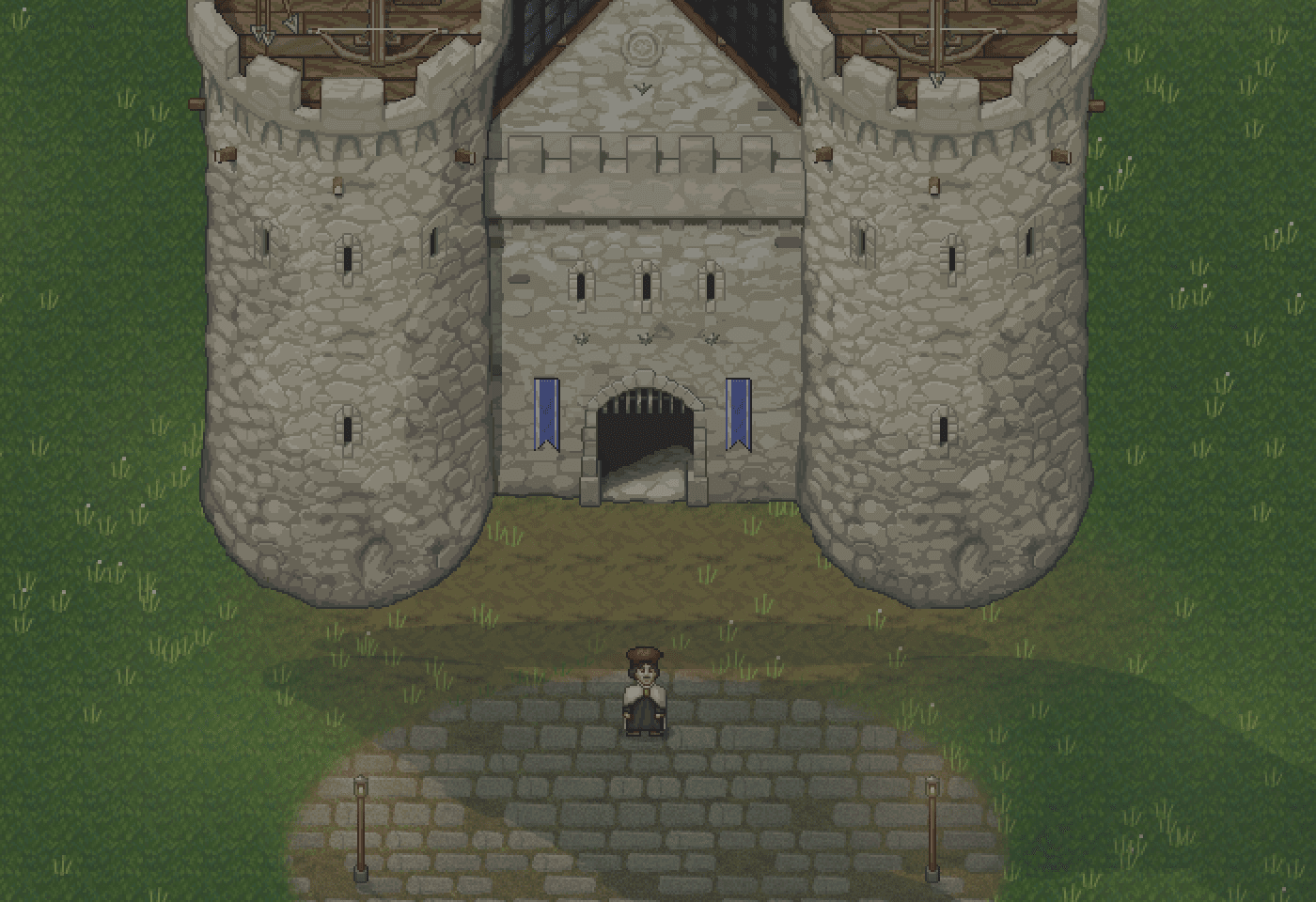 Human lands
Human capital. Courts inside the walls, Southroad outside.
Open the world map with M.
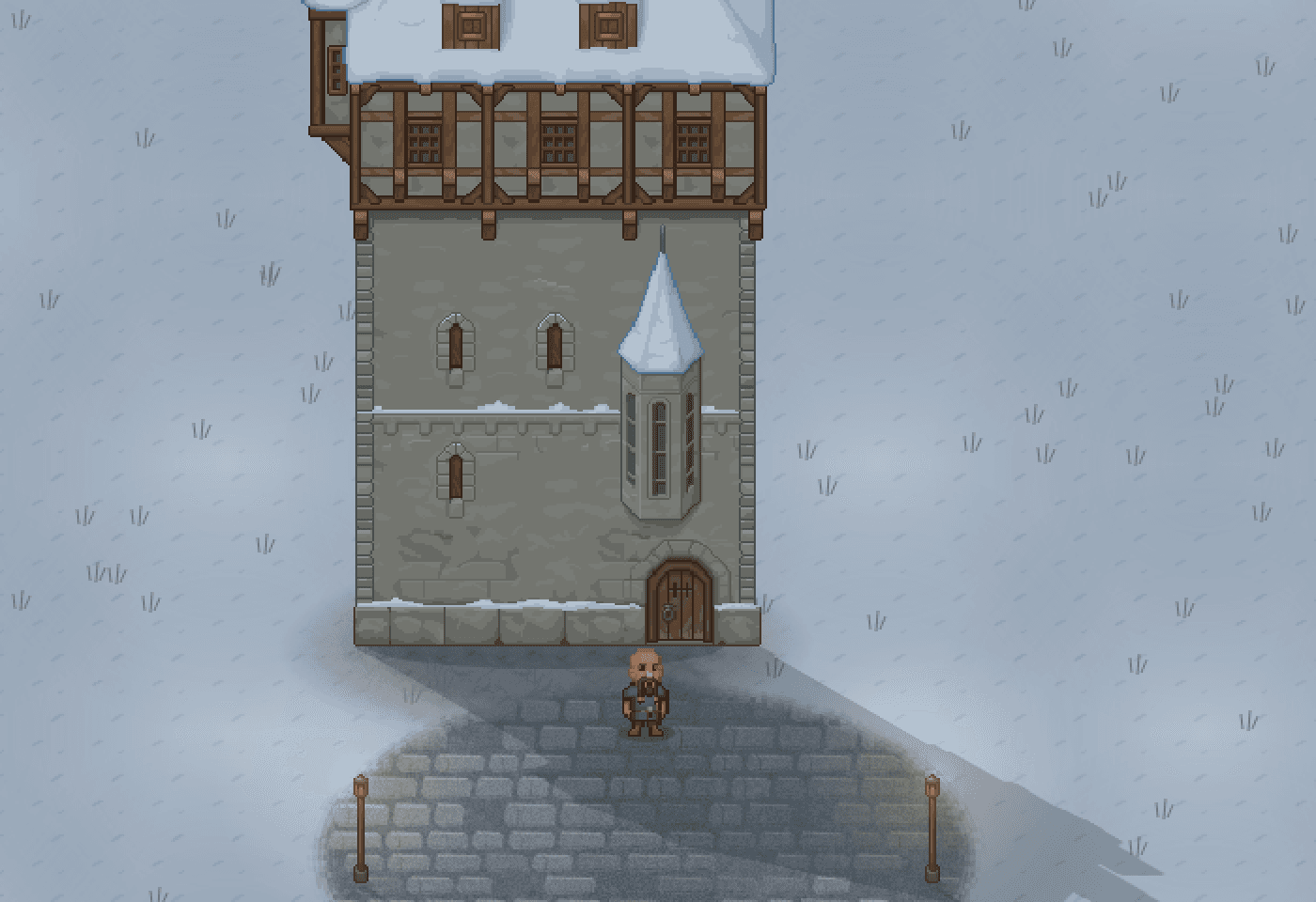 Orc lands
Cinderborn capital. Snow keep, then the road to Blackpine.
Check monster levels before the frontier.
5 · Keys
Click the game first, then use keys. If you are typing in chat, keys stay in the box.
WASD or arrows move. Click a monster to select it. Space attacks. Menus open bag, skills, journal, and map.
6 · Play together
Press O for friends and party. Whisper a name. Clan is a shared banner.
Press O to open the social window. Invite a character by name, or browse Party Finder for a group to join.
Open Your clan to view its members, or create a clan if you are not already in one. Search the roster and filter for online companions.
Open Realm chat and choose Say, Party, Clan or Whisper. Whispers use a character name; party and clan messages need the matching membership.